Before you step on court
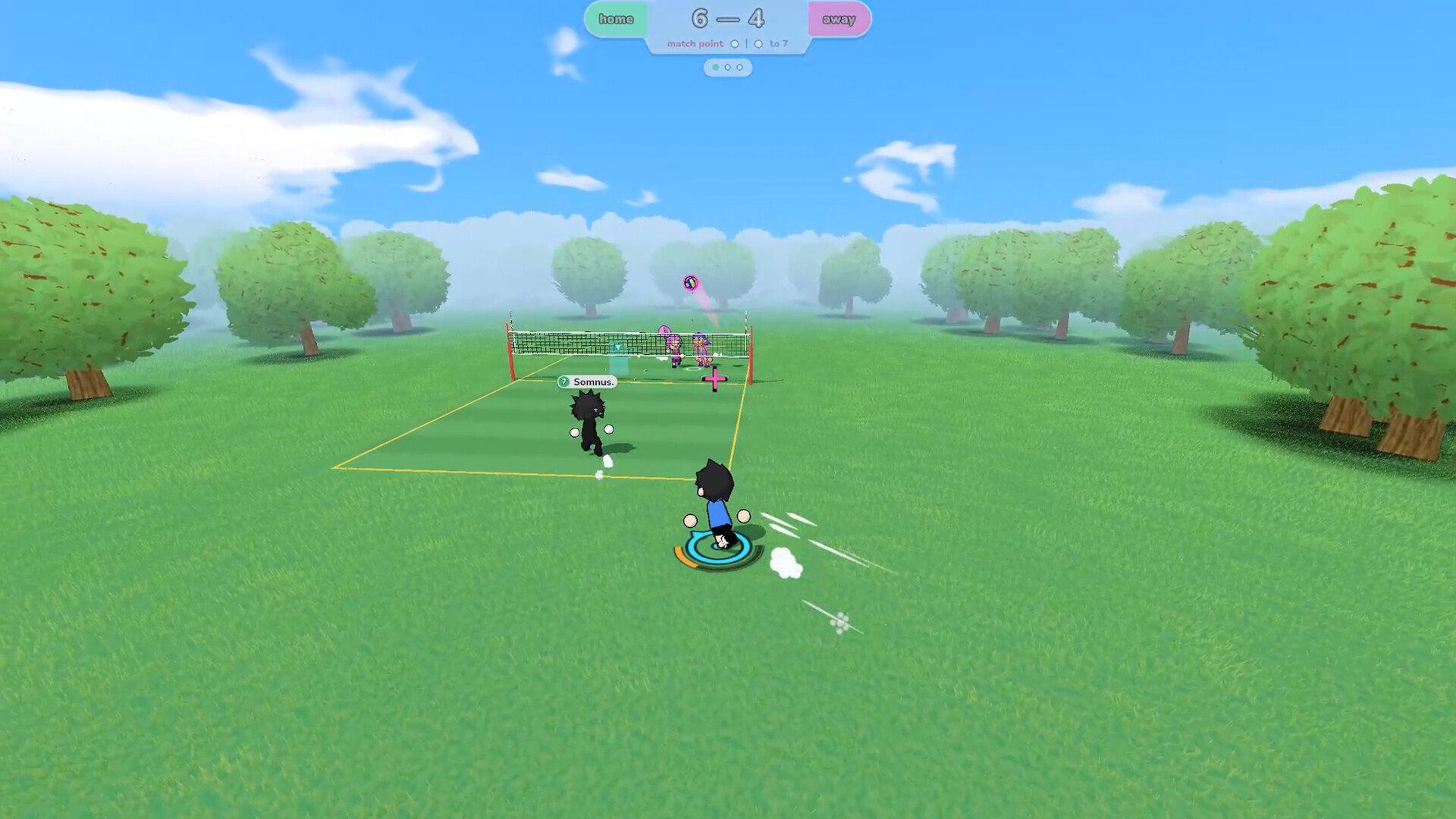
just volleyball is temkosoft's arcade volleyball game for Windows PC. It gives you manual movement and cursor-based aiming, with formats from 1v1 to 6v6. Offline bots offer a place to get comfortable before playing online.
Open the game's control settings and check your bindings. The basic developer-described inputs are WASD to move, Space to jump, left mouse for actions such as receiving and spiking, right mouse for blocking and diving, and E for setting. Context matters: an input is not a guarantee that every action will happen in every situation.
Keep the complete controls & techniques guide nearby.Find your character, the ball, the net, and your aiming cursor. Move and aim separately before trying to combine them.
Give the basics a little space
This is an editorial practice plan, not an official tutorial or a tested optimal training schedule. Repeat a step when it still feels confusing.
Move first. Aim second.
Walk to different parts of the court. Stop, place your aim toward a useful area, then repeat. Notice when you move the character without changing the target, and when you move the target without moving the character.
Keep a ball playable
Practice receiving toward a teammate or a broad, reachable area. Favor a generous target over an ambitious sideline. When the ball goes wrong, ask whether you arrived late, aimed elsewhere, or chose the wrong moment.
Add a clear next touch
With a partner, agree who receives and who takes the next ball. Call before moving. Your goal is a repeatable exchange, not an immediate winner.
Build the rally before the highlight
Think in a simple sequence: get into position, identify your target, make the touch, and prepare for what follows. A receiving player should already know who can take the next ball. An attacking player needs to see both the set and the available space.
Start serving practice with a broad target. Repeat the same setup for several attempts and note which ones stay playable. Change only one variable at a time. We do not claim an exact serve input sequence, ideal charge value, or guaranteed scoring spot without current-version verification.
For spiking, avoid measuring progress only by whether you score. A controlled attempt that stays in play can tell you more than a wild winner. The spiking section gives you a practical observation checklist.
Make room for your teammate
The developer describes free movement: players begin a rally in starting positions but are not locked into those spots. Freedom makes communication useful. It does not establish that every real-world rotation or fault rule has been removed.
“I've got this. Cover behind me.”
Decide who handles the ball and who handles the space.
Before serving, agree who takes the first ball, who offers the next target, and who watches the back court. If two players keep chasing the same ball, simplify the plan. One goes for it; the other prepares for a recovery.
Small-team practice can make responsibilities easier to notice. Larger teams need clearer calls. These are coaching suggestions, not claims about matchmaking or fixed character roles.
One mistake. One useful adjustment.
The official feature list includes replay mode. Use a replay to slow down your decisions: where were you before the ball arrived, where were you aiming, and what did your teammate need?
| What went wrong? | What to inspect | Next practice goal |
|---|---|---|
| You never reached the ball | Your position before the hit | Read the play earlier |
| The pass missed your teammate | Aim direction at contact | Choose a larger target |
| Two players collided | Who called for the ball | Agree on one receiver |
| An action felt unresponsive | Binding, context, timing, connection | Repeat under comparable conditions |
Old demo footage can reveal useful questions, but it cannot prove a current bug, exact stamina behavior, or server location. Record your build and circumstances before drawing conclusions.
Leave with one thing improved
Use this checklist during your session. Your progress stays in this browser.